25th Floor, IRIS Bay Tower, Business Bay, Dubai — UAE +971 4 325 4455 · info@bisaim.com

Portfolio

Product routes, connected apps, and custom service paths under Business Aim.

Use this page to compare the main routes, then continue to the dedicated product site or contact Business Aim for custom work, integration, implementation, or support.

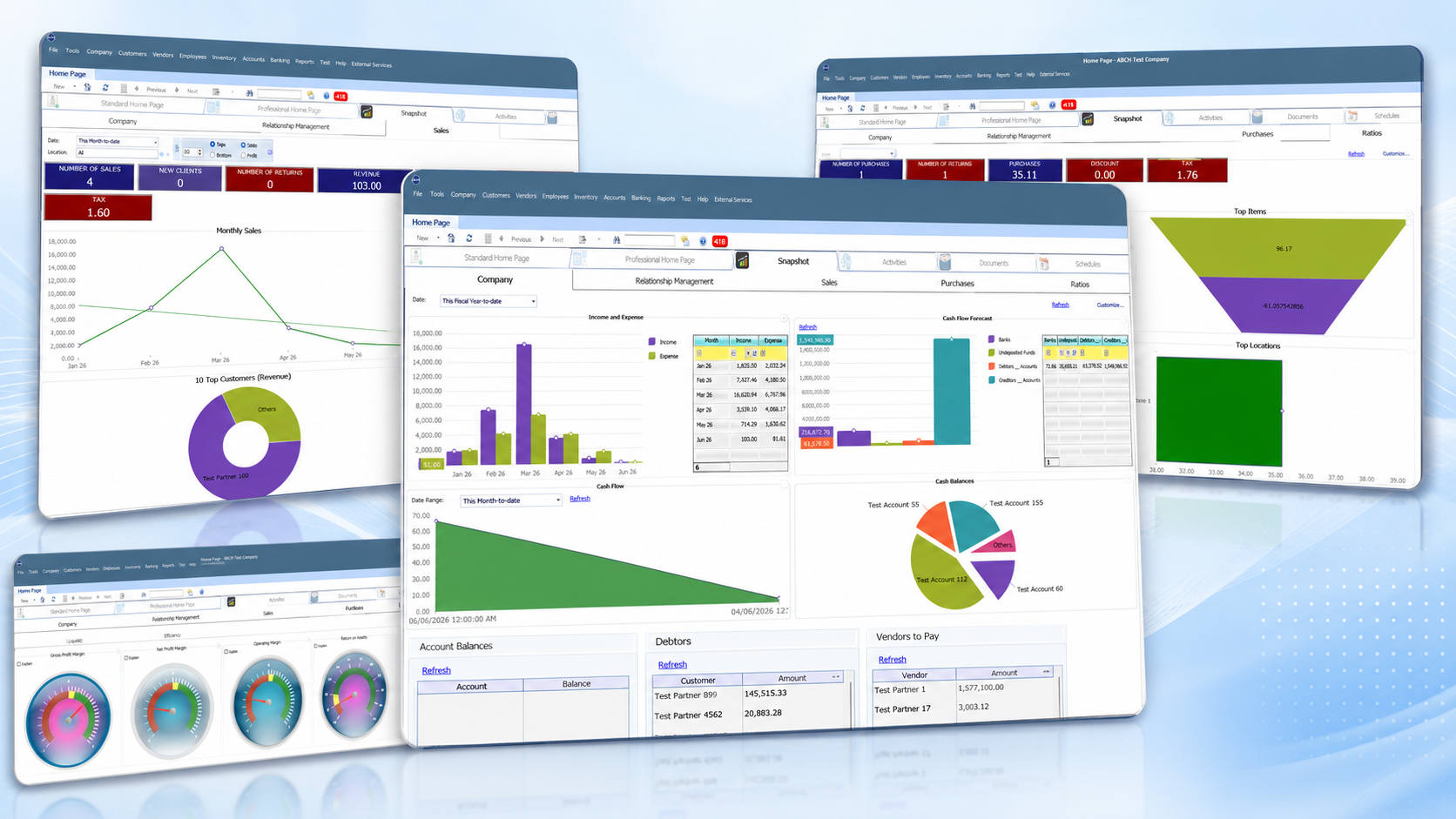
Business software dashboard preview with charts, balances, cash flow, and reporting views

Choose your route

Move from the corporate site into the right product or service path

Business Aim keeps the company story here while detailed product evaluation continues through the right dedicated route.

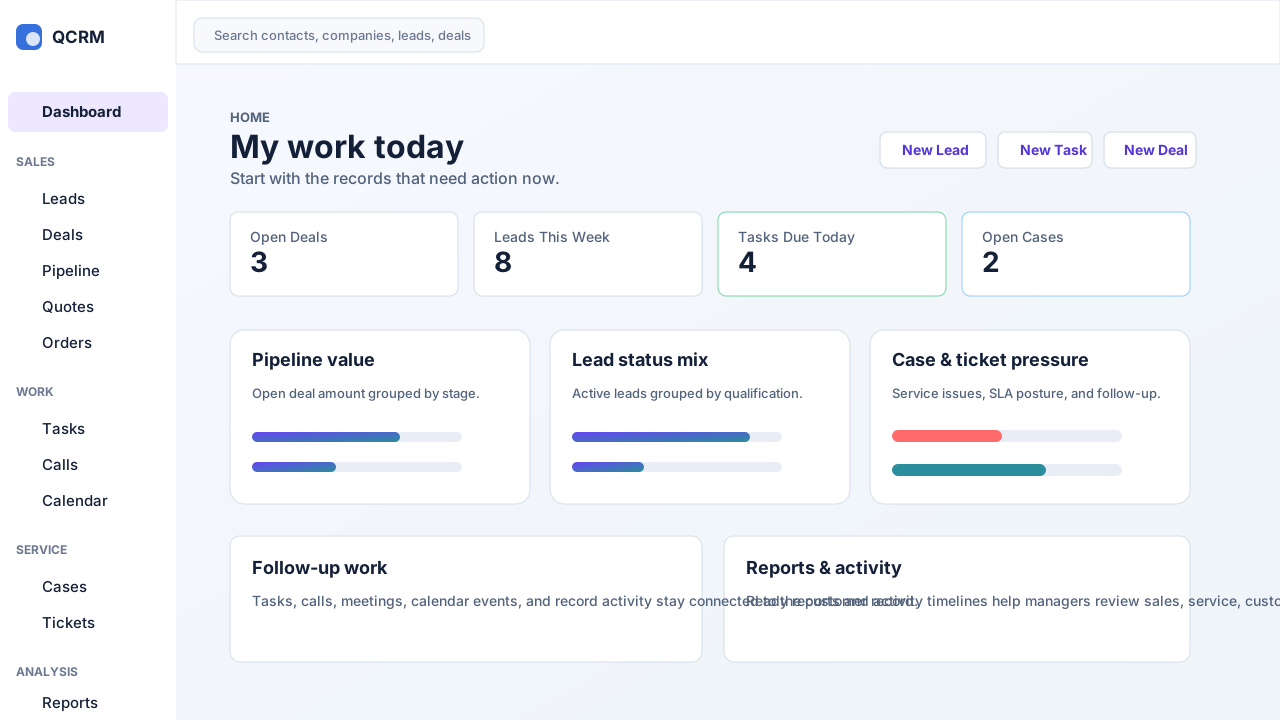
CRM dashboard preview showing sales, work, service, and reporting areas

Customer operations

CRM

For sales, service, follow-up, customer records, quotes, tasks, cases, activity, and management reporting workflows.

Open CRM page
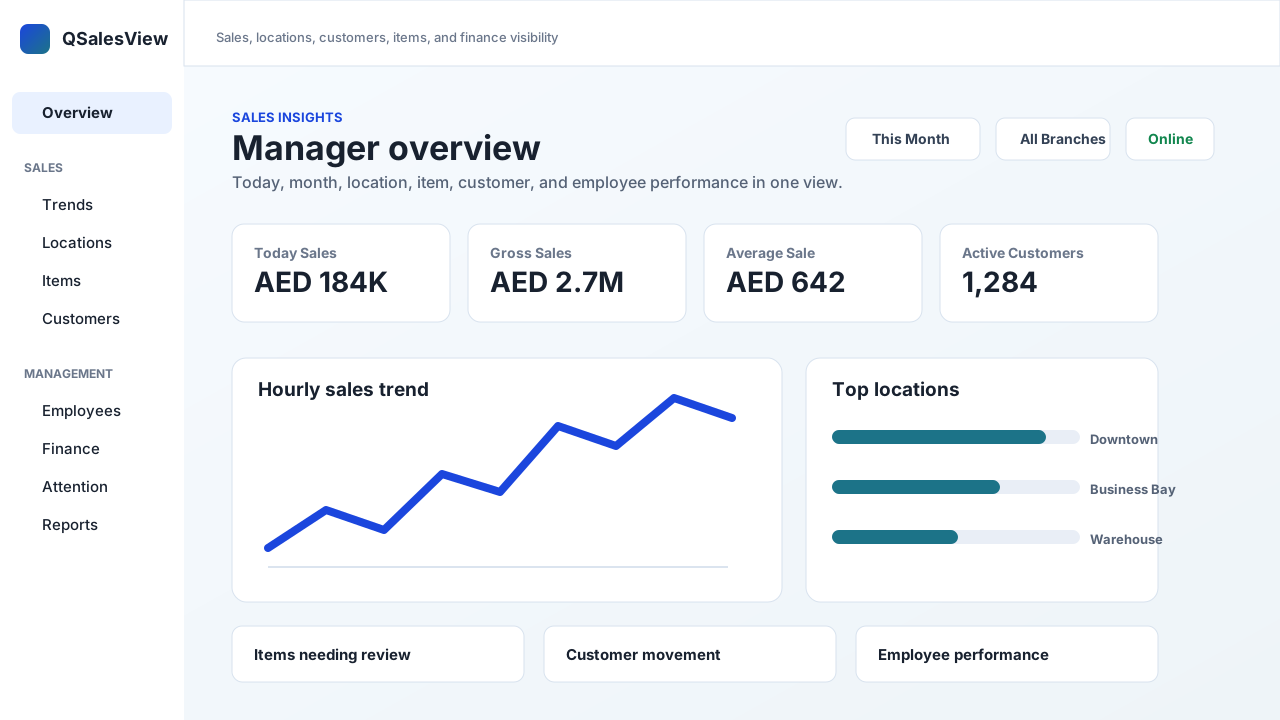
Sales visibility dashboard preview with totals, trends, and activity views

Sales visibility

QSalesView

For approved sales visibility, reporting views, and browser-friendly sales activity review connected to the wider business system.

Open QSalesView
Attendance and clocking preview showing employee clock activity and summaries

Attendance route

QClock

For approved attendance, clocking, and time visibility workflows where browser access is useful for daily operations.

Open QClock

Companion access

QBMConnect

For approved browser access to dashboards, sales visibility, attendance, and companion workflows connected to business operations.

Open QBMConnect

Custom route

Custom Development & Integrations

For focused tools, workflow extensions, dashboards, approvals, portals, connected workflows, and business-specific operational needs.

View service details

How to choose

Start with the business problem, then choose the matching route

Product-level detail belongs on each product route. Business Aim helps customers decide whether they need an existing product, a managed implementation, a companion app, a custom workflow, or a combined plan.

This separation keeps the corporate website clear while still giving each route enough space to feel established and professional.

Business software dashboard route shown inside the Business Aim portfolio
Business Aim can guide customers to the right product, service, or combined implementation path.

Finance and stock control

Choose the ERP and accounting route when the main need is finance, stock, sales, purchasing, payroll, or operations control.

Open product site

Customer and sales activity

Choose the CRM route when the main need is leads, deals, service cases, customer records, follow-up, or team activity visibility.

Open CRM page

Browser-friendly companion work

Choose the connected app routes for dashboard access, sales visibility, attendance, and related approved workflows.

Open QBMConnect

Custom operations

Choose Business Aim services when the company needs a tailored workflow, connection, report, portal, or implementation plan.

Discuss custom work

Next step

Need help choosing the right route?

Send your company size, users, branches, current software, and the outcome you want. Business Aim will guide the next step.